
Website
What’s new on Guided Bhutan
We’ve updated the website to make it quicker to plan, book and get ready for your trip. Your bookings, quotes and payments haven’t changed, and you sign in the same way as before.
Managing your trip
1. Sign in from any page
The Sign in link now sits at the top of every page, next to Manage booking. Booked without an account? Manage booking still works with your booking reference and email.
Sign in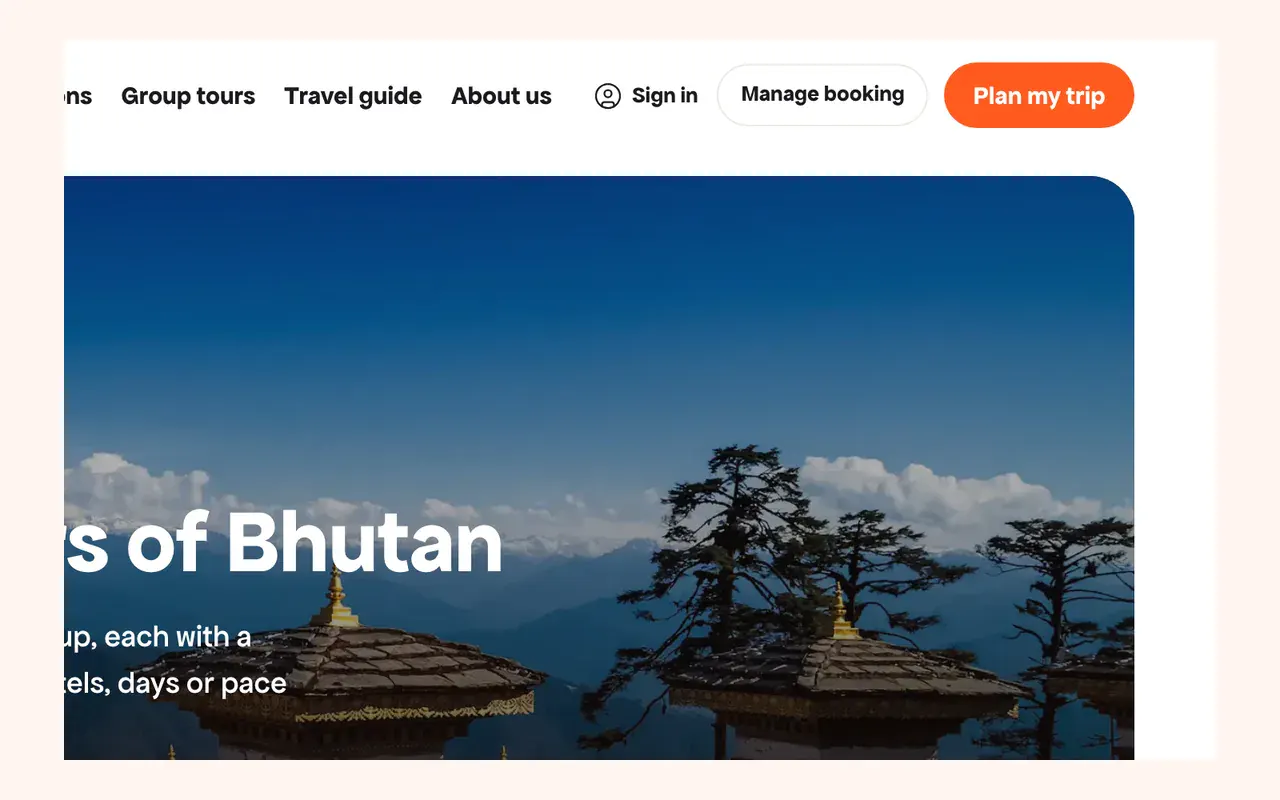
2. Your trip on one page
My trips shows what you've paid, when the balance is due and what's left to do before you go.
Pay your balance, or open Progress and changes to follow your visa, hotels and guide and to ask for a change.
Go to My trips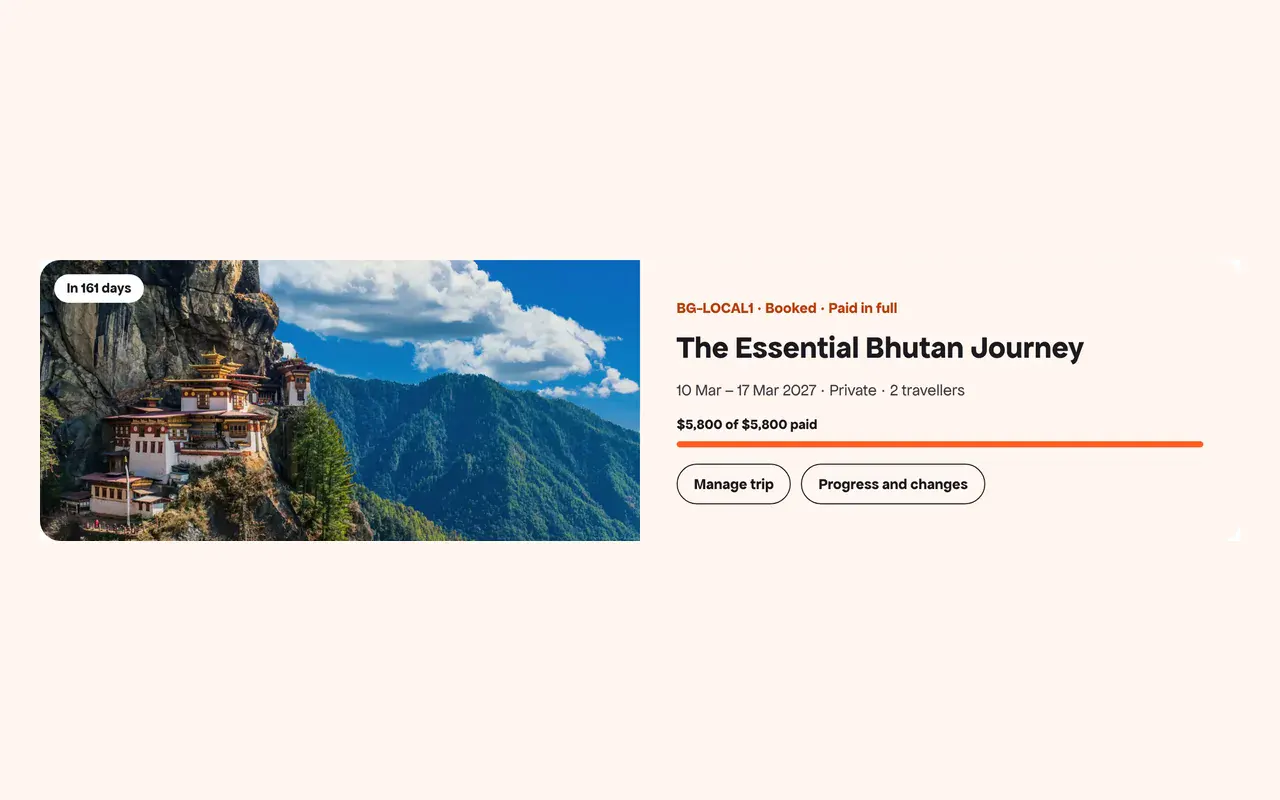
3. Straight to what's left to do
Each item on your Before you fly list opens the right form. Passports and travel insurance now sit together under Documents.
Add traveller details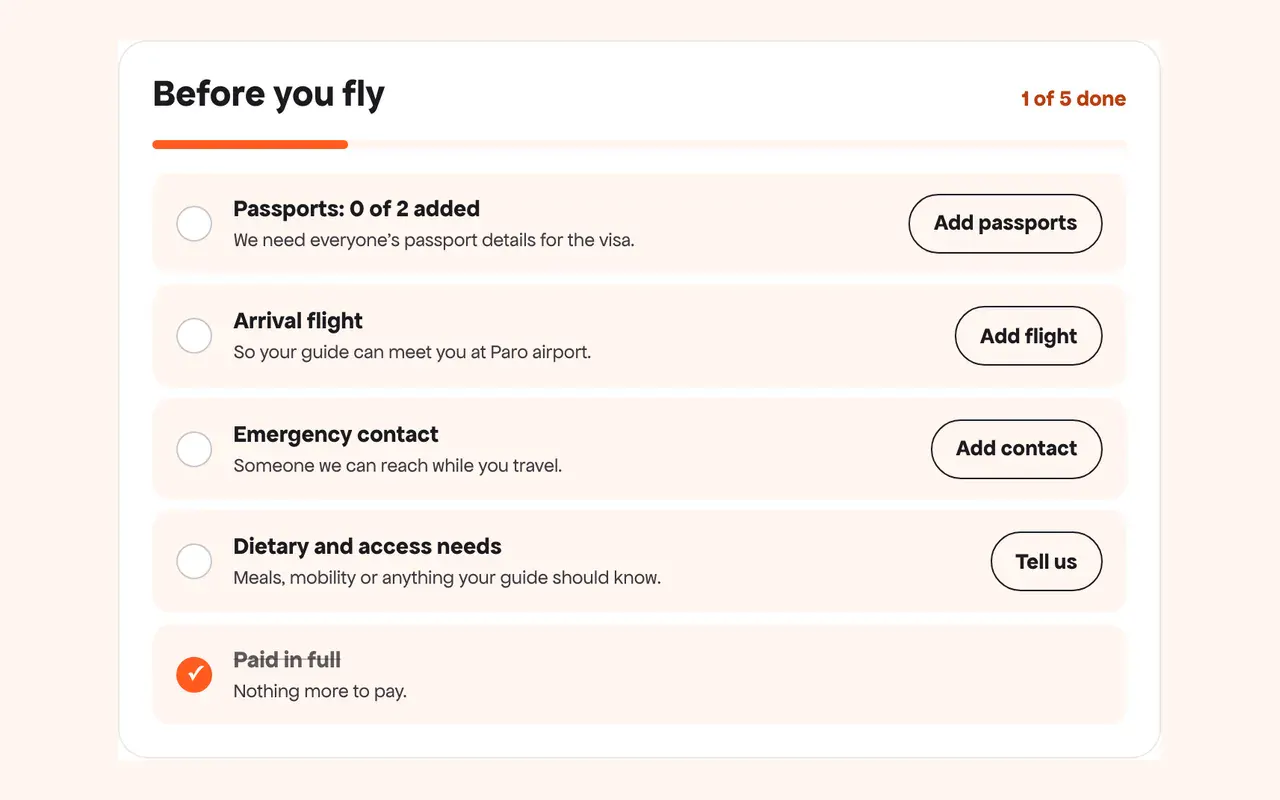
4. Saved travellers
Save the names and birthdays of the people you travel with in Settings. We'll fill them in on your next booking. Passport details are still added for each trip.
Open settings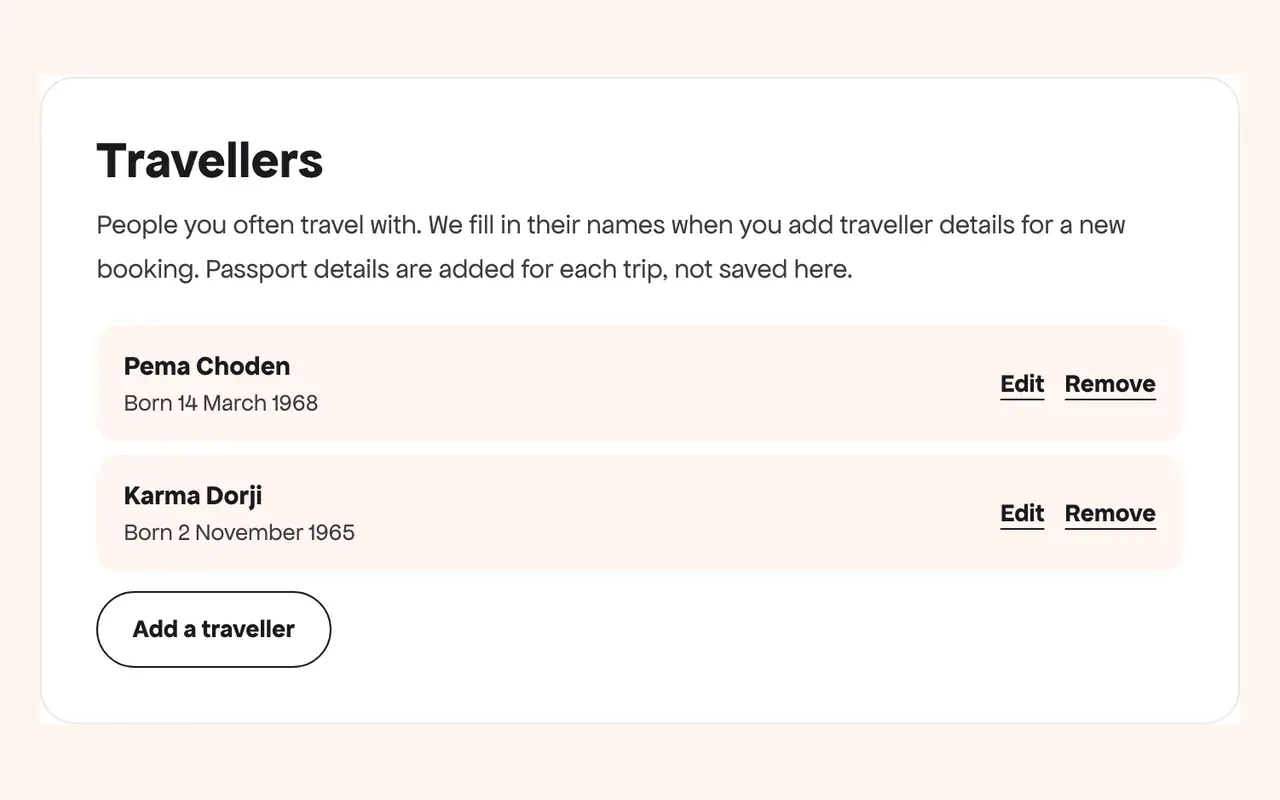
Choosing and booking
5. Compare trips side by side
Tap Compare on up to four private tours or group departures, then open the shortlist to see length, route, walking and price together.
Browse tours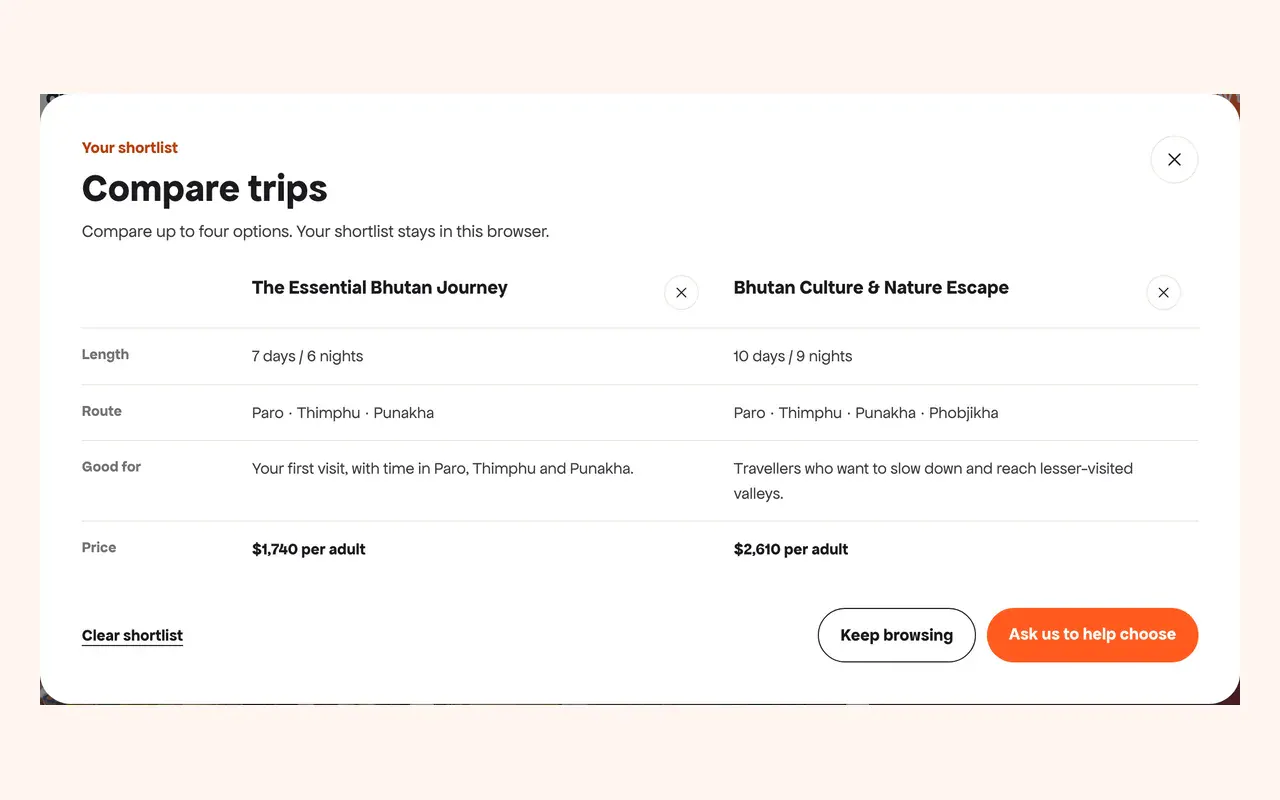
6. Book in one step
Checkout now asks only for the lead traveller's name and email. Passport details come after you've paid.
See how booking works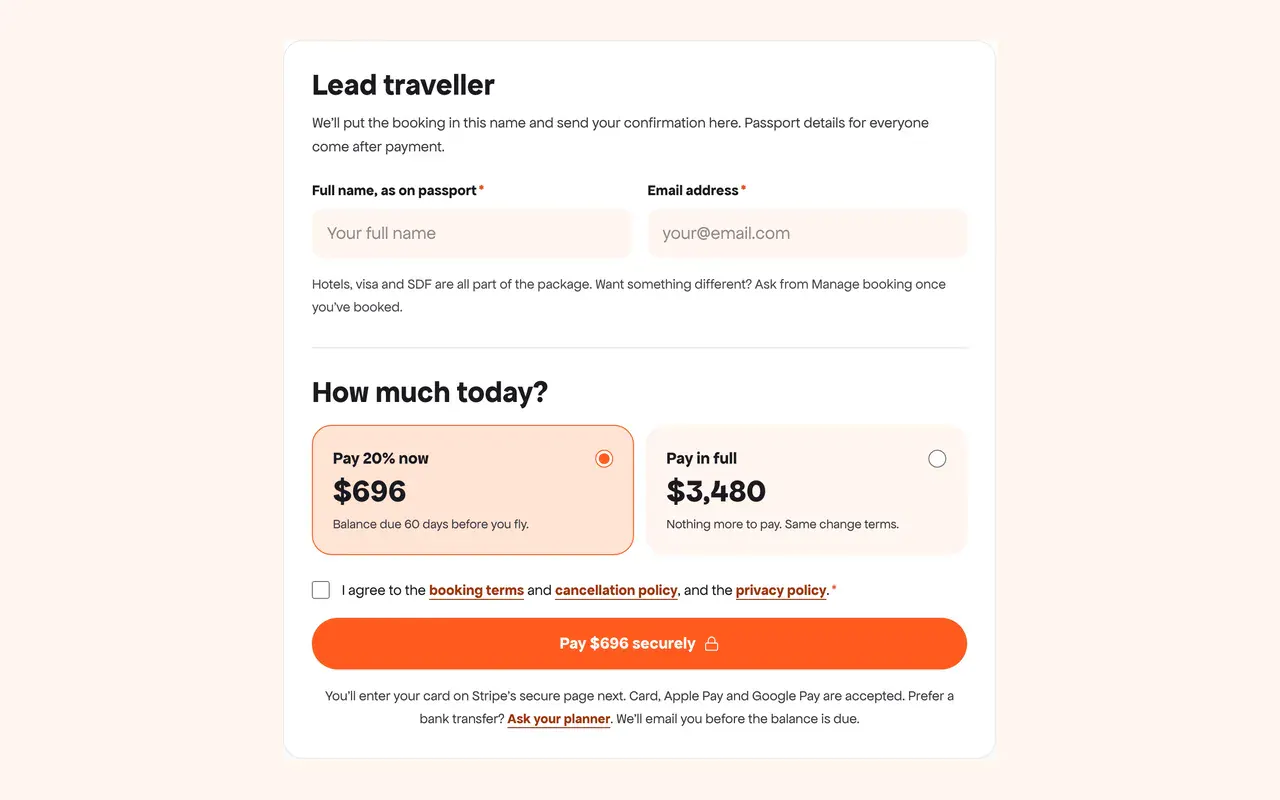
Can’t find something?
Tell us what you were looking for and our team will help, usually within a working day.